E-commerce product image batches
Reuse one layout across product images, colorways, or scene variants without rebuilding the composition.
APP.MOCKPIPELINE // RELEASE v1.0
Place assets once, batch-composite image sets.
Place transparent PNG assets onto base images with matching dimensions and visual structure, then batch export finished product images, effect previews, and marketing assets.
App screenshots
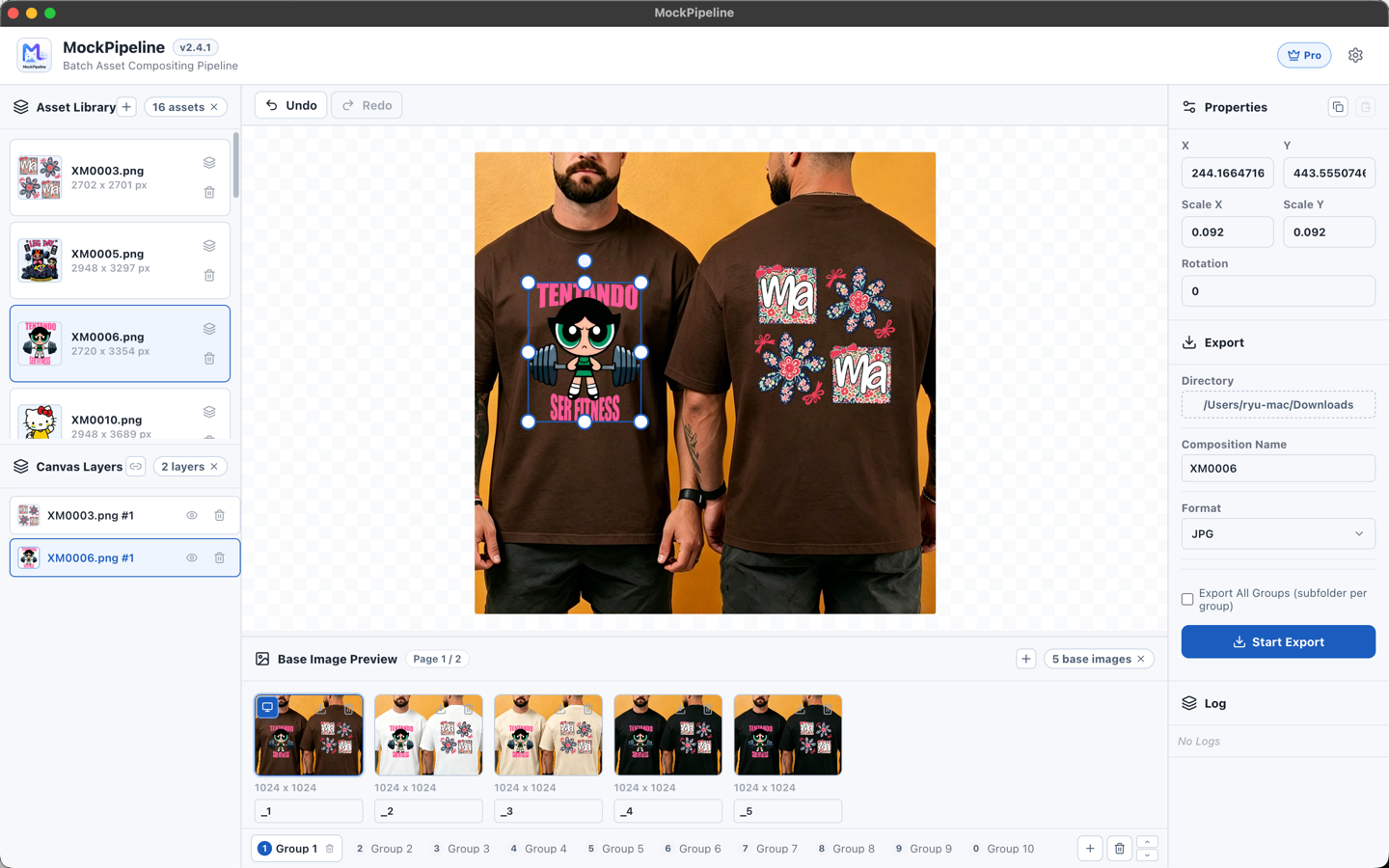
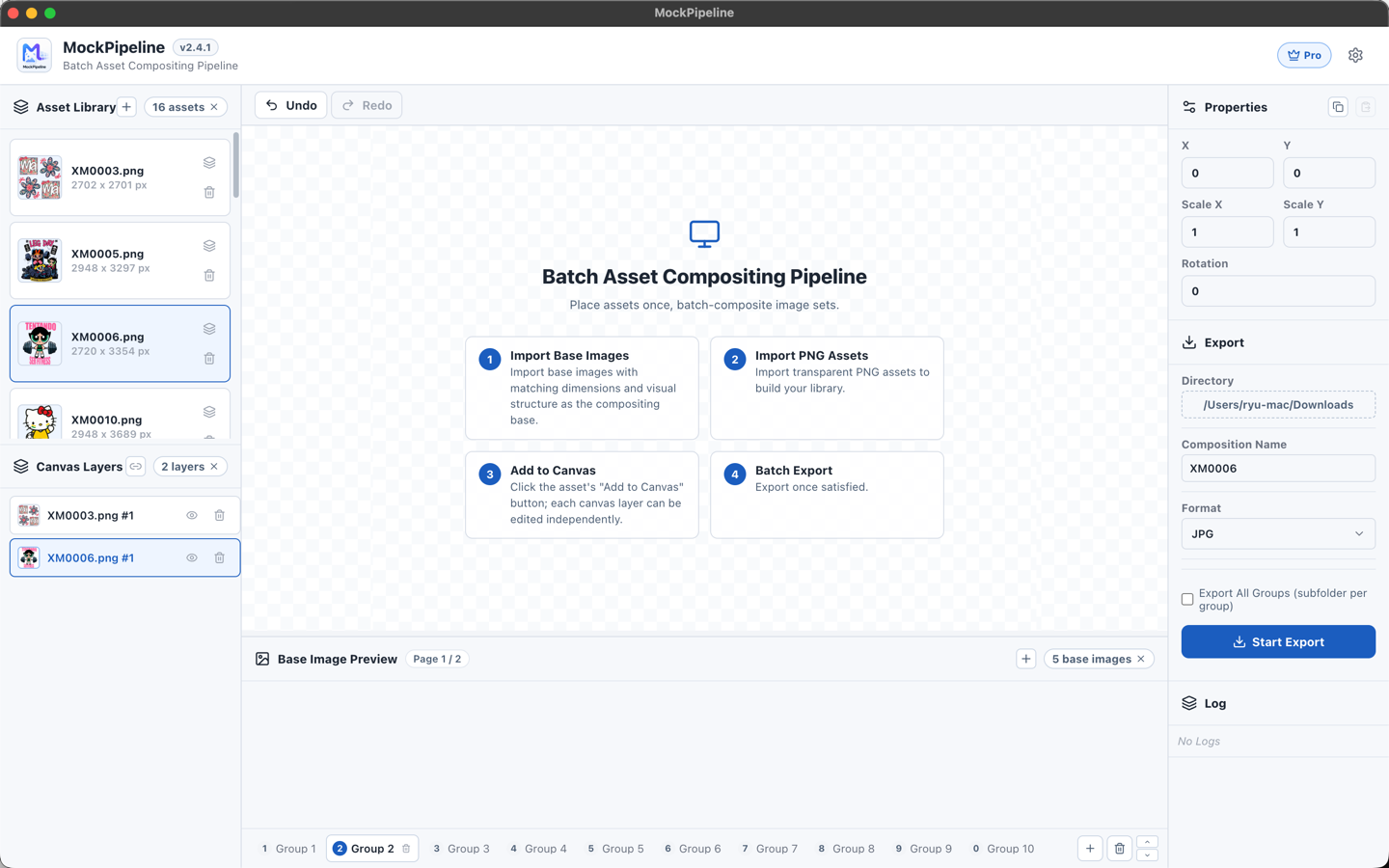
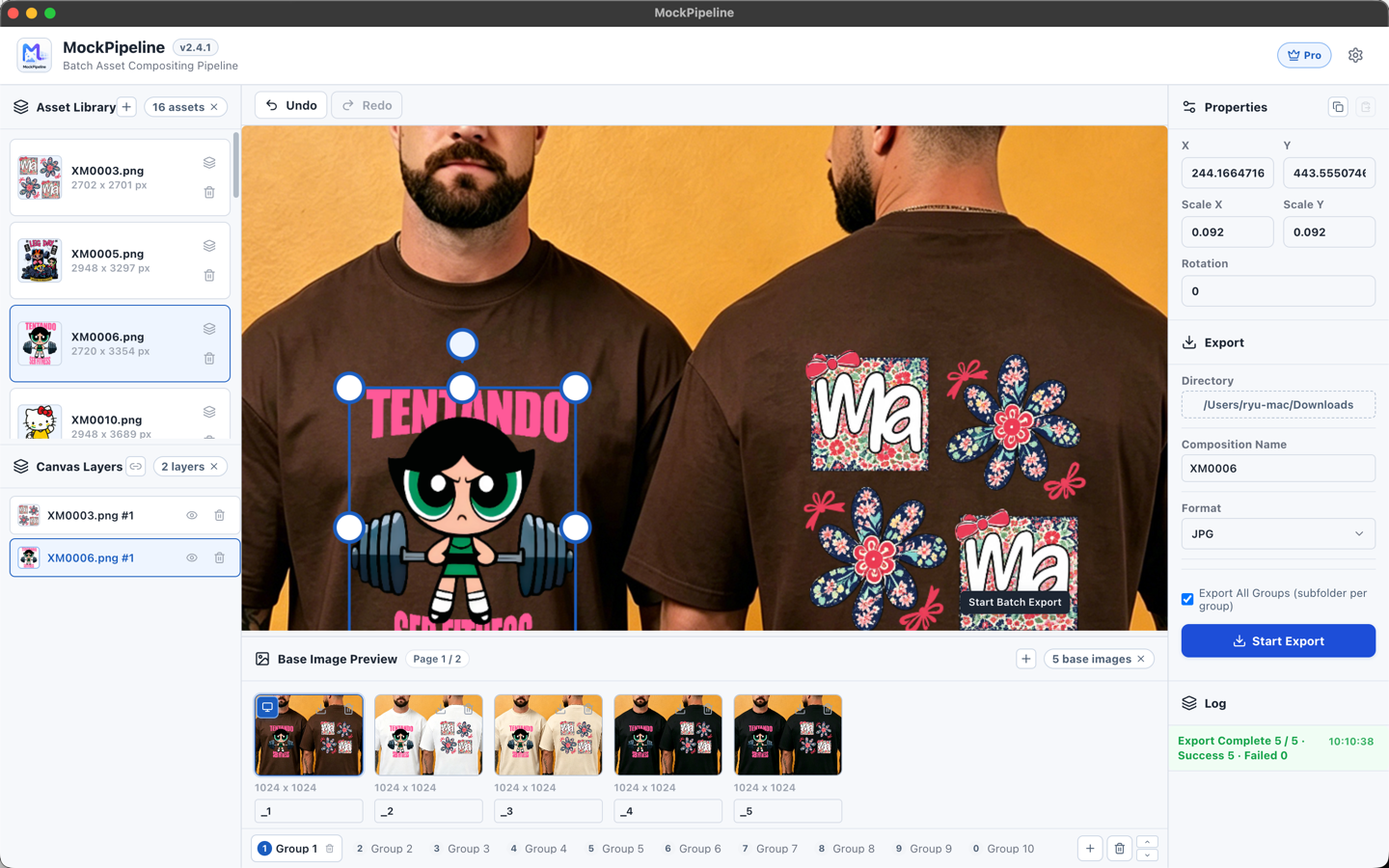
Import JPG/PNG base images into groups and preserve canvas state per group. Each group can keep its own asset position, scale, and rotation.
Transparent PNG assets enter a reusable library, then become independent editable layers when added to the canvas.
Adjust each asset's position, scale, and rotation on the canvas. Preview, thumbnails, and export share the same transform semantics.
Apply the current composition to the active group or all accessible groups. Exports keep each base image's original dimensions.
Progress, cancellation, failure feedback, and filename conflict handling keep large export runs manageable.
Base images, PNG assets, session state, and exports stay on your device. No account is required, and the app restores your last workspace on launch.
PIPELINE EXECUTION
Place transparent PNG assets onto base images with matching dimensions and visual structure, then batch export finished product images, effect previews, and marketing assets.
Import base-image groups
Import PNG assets
Add layers to canvas
Adjust position, scale, and rotation
Preview the composition
Batch export original-size images
Reuse one layout across product images, colorways, or scene variants without rebuilding the composition.
Keep reusable PNG assets in a library, adjust once, then preview and export sets quickly.
Works well when base images share structure and the intended asset placement area.
Each group keeps its own canvas state, so switching base-image groups keeps the right layout ready.
BINARY DISTRIBUTION
MockPipeline initial release, bringing grouped base-image pipeline and batch compositing rendering engine with local-first privacy.
COMMUNITY THREAD
Community Discussion
Questions, feedback, or thoughts are welcome here.
Set Public Nickname
Your nickname will be displayed across comments. If not set, your masked email will be shown.